> ## Documentation Index
> Fetch the complete documentation index at: https://docs.letterbucket.com/llms.txt
> Use this file to discover all available pages before exploring further.
# Introduction
> Learn how to start sending emails to your subscribers
## What is LetterBucket?
[LetterBucket](https://letterbucket.com) is a user-friendly newsletter mailing platform designed to help creators, entrepreneurs, and businesses grow and monetize their audience.
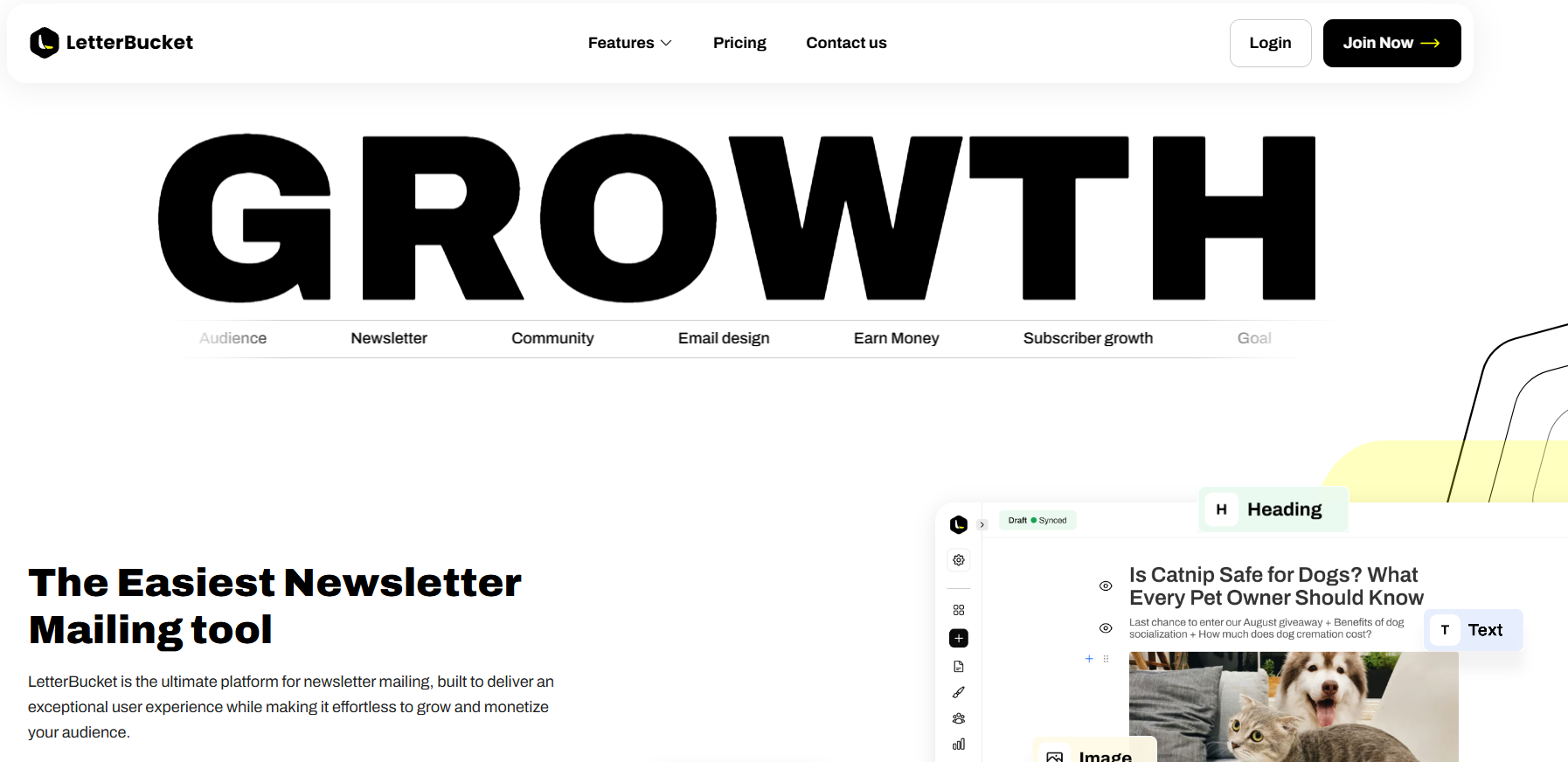 With a focus on simplicity and effectiveness, LetterBucket makes it easy to create, send, and optimize newsletters while ensuring compliance with email regulations.
## Overview
This quickstart guide will walk you through the first steps on LetterBucket so you can be set up and running in less than 10 minutes.
LetterBucket is a newsletter mailing software, so we need subscribers and something to say. No more and no less!
1. **Import your audience:** Go to Audience → Subscribers and select **Add Subscriber**. Select one of the 2 options:
a. [Add subscribers manually](/subscribers/add-subscribers)
b. [Upload CSV](/subscribers/add-subscribers)
2. **Create an email:** Go to [Start Writing](/writing/start-writing) → Start from scratch. Use the text editor to create your beautiful email. You can customize it easily, add images, and apply specific styles to any element.
3. **Send or schedule your email:** Once you are happy with your email, click on the upper right side and finish [setting up the email options](/writing/send-and-publish). You can select who you send the email to, and when.
4. **Post the email:** Once the email is sent, it will automatically be posted on your own subdomain. This way you can share it on social media and get organic traffic.
This is the basic guide, now let's dive deeper into each of the functionalities!
## What else can you do?
Once you've got the basics down, explore the rest of the platform:
Group your audience and send targeted emails to specific readers.
Add interactive polls to your emails and track results.
Embed signup forms on any website to grow your list.
Automatically greet every new subscriber with a sequence.
See opens, clicks, and poll results for every email you send.
Use your own domain for your newsletter site and emails.
With a focus on simplicity and effectiveness, LetterBucket makes it easy to create, send, and optimize newsletters while ensuring compliance with email regulations.
## Overview
This quickstart guide will walk you through the first steps on LetterBucket so you can be set up and running in less than 10 minutes.
LetterBucket is a newsletter mailing software, so we need subscribers and something to say. No more and no less!
1. **Import your audience:** Go to Audience → Subscribers and select **Add Subscriber**. Select one of the 2 options:
a. [Add subscribers manually](/subscribers/add-subscribers)
b. [Upload CSV](/subscribers/add-subscribers)
2. **Create an email:** Go to [Start Writing](/writing/start-writing) → Start from scratch. Use the text editor to create your beautiful email. You can customize it easily, add images, and apply specific styles to any element.
3. **Send or schedule your email:** Once you are happy with your email, click on the upper right side and finish [setting up the email options](/writing/send-and-publish). You can select who you send the email to, and when.
4. **Post the email:** Once the email is sent, it will automatically be posted on your own subdomain. This way you can share it on social media and get organic traffic.
This is the basic guide, now let's dive deeper into each of the functionalities!
## What else can you do?
Once you've got the basics down, explore the rest of the platform:
Group your audience and send targeted emails to specific readers.
Add interactive polls to your emails and track results.
Embed signup forms on any website to grow your list.
Automatically greet every new subscriber with a sequence.
See opens, clicks, and poll results for every email you send.
Use your own domain for your newsletter site and emails.